01 · SCRIPTED UGC
Build the ad beat by beat.
Start with the hook, shape the message, place real app footage where proof matters, and review the direction before generating the finished video.
Hook approved 5 beats · 0:28
Add your app once. VectorStudio turns your real product, screenshots, demo, audience, and creative references into UGC videos, TikTok slideshows, static ads, and caption-ready posts.
Built for indie founders, growth teams, and app marketers who always need something new to test.
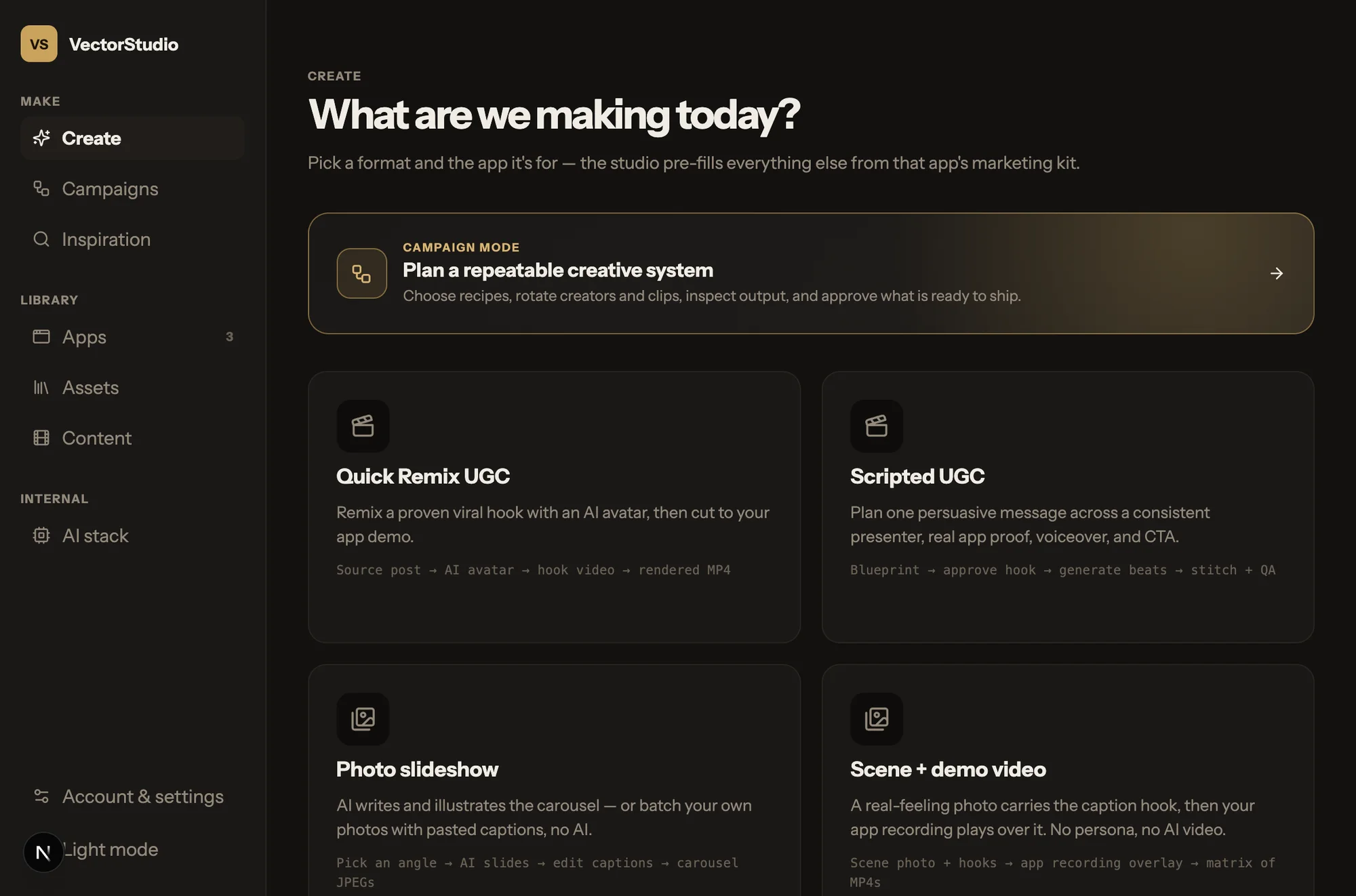
Take one product angle and turn it into UGC, slideshows, static ads, captioned posts, or a full batch of variations — all using the same app context.
AI creators, hooks, scripts, app demos, captions, and finished vertical videos.
Turn an idea into a swipeable TikTok or Instagram story built around your product.
Generate platform-specific creative for 9:16, 4:5, and 1:1 instead of cropping the same design everywhere.
Turn a visual set into multiple ready-to-post variations without rebuilding every asset manually.

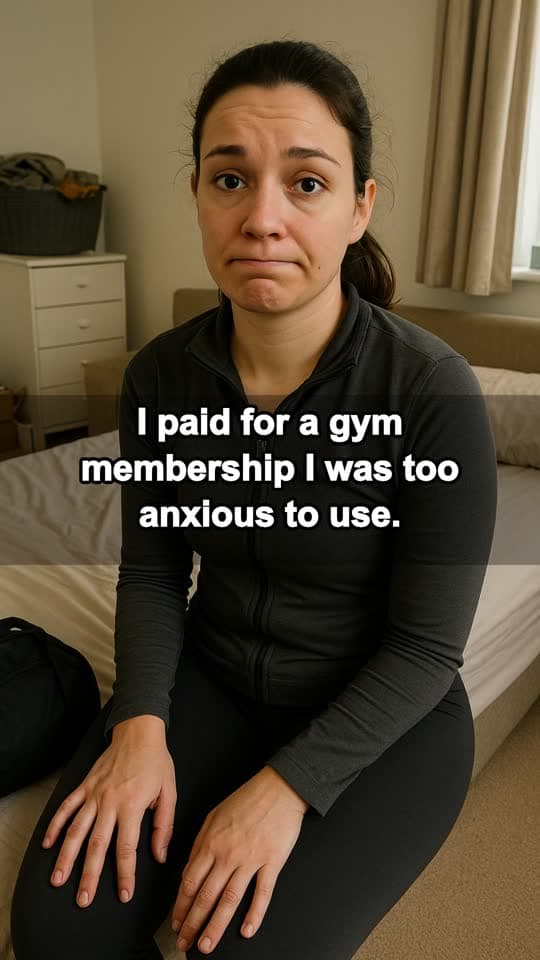
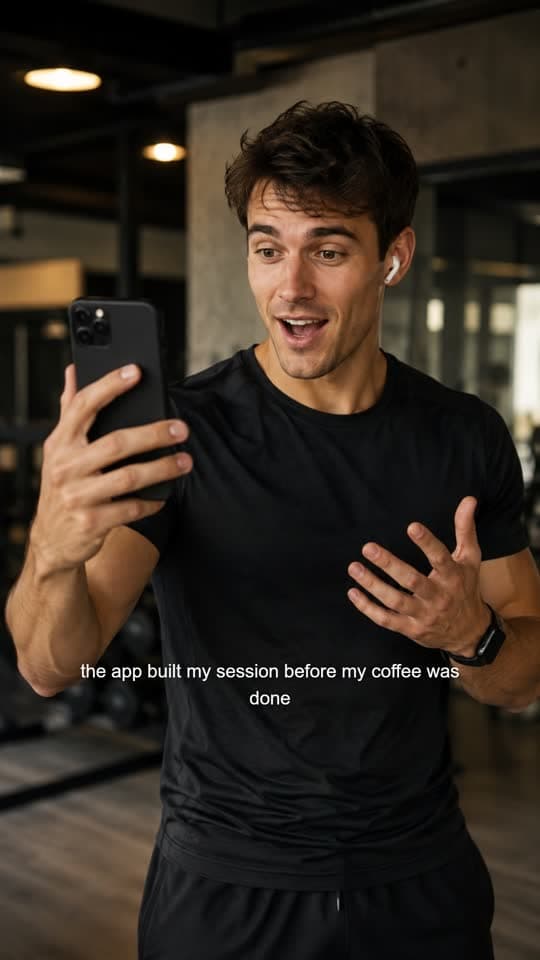
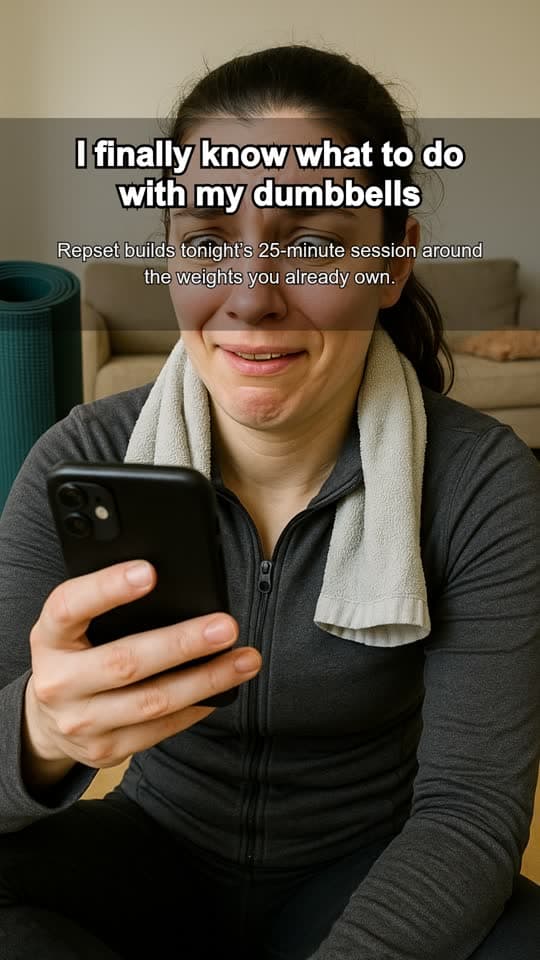
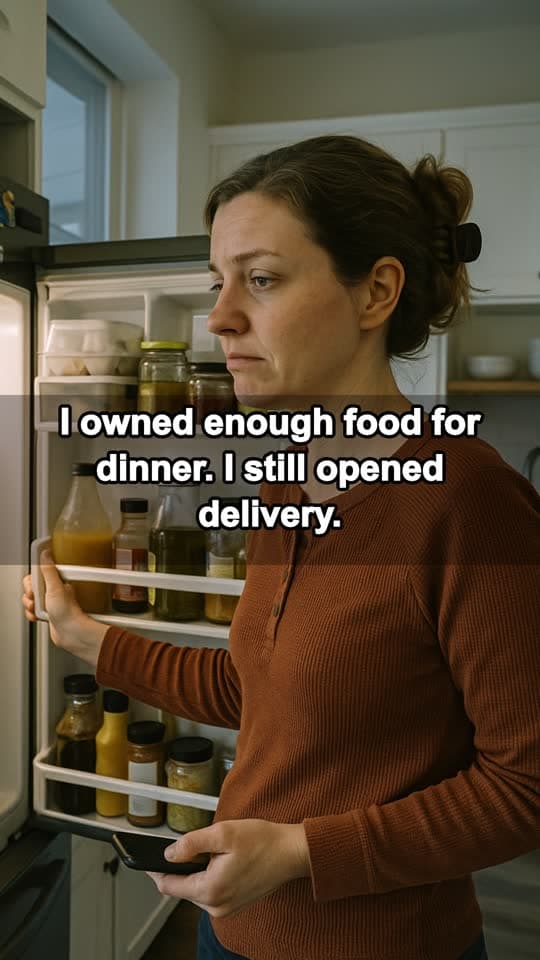
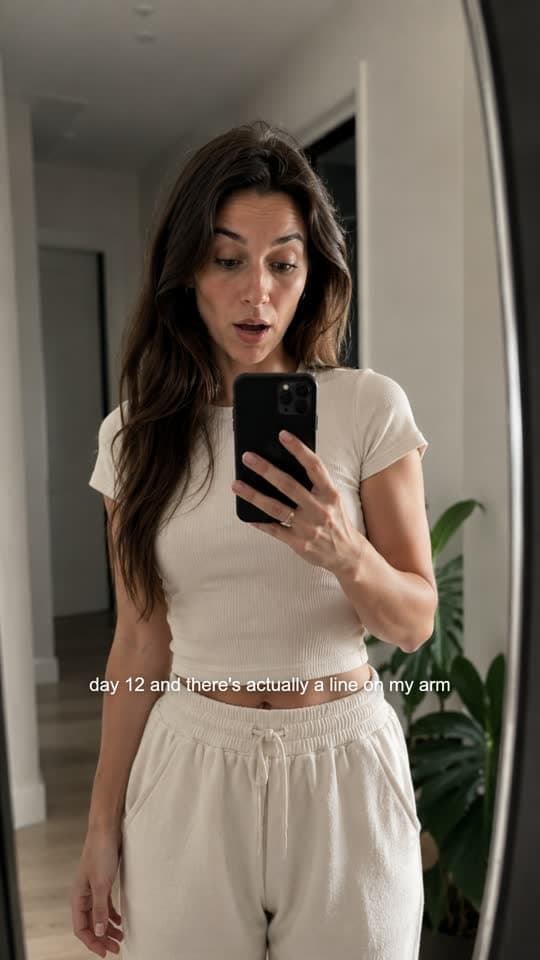
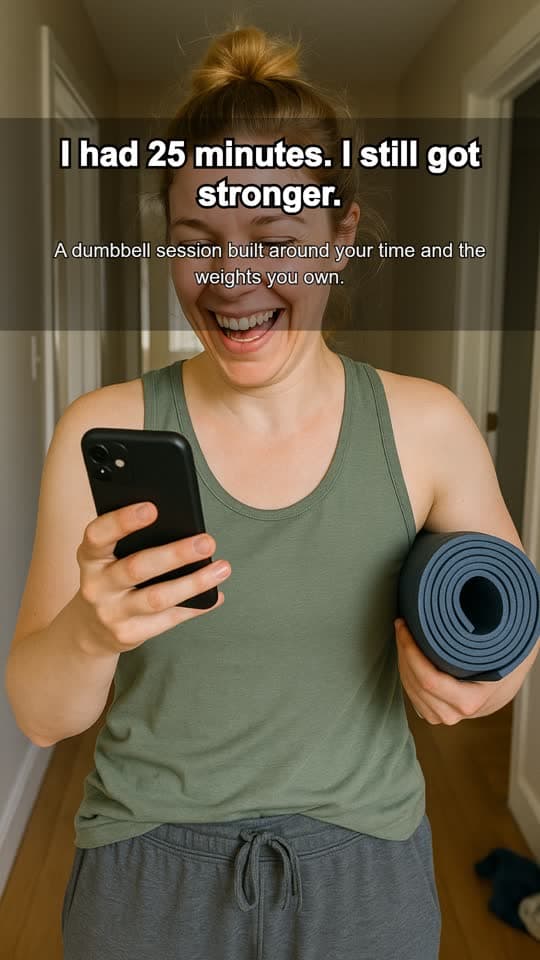
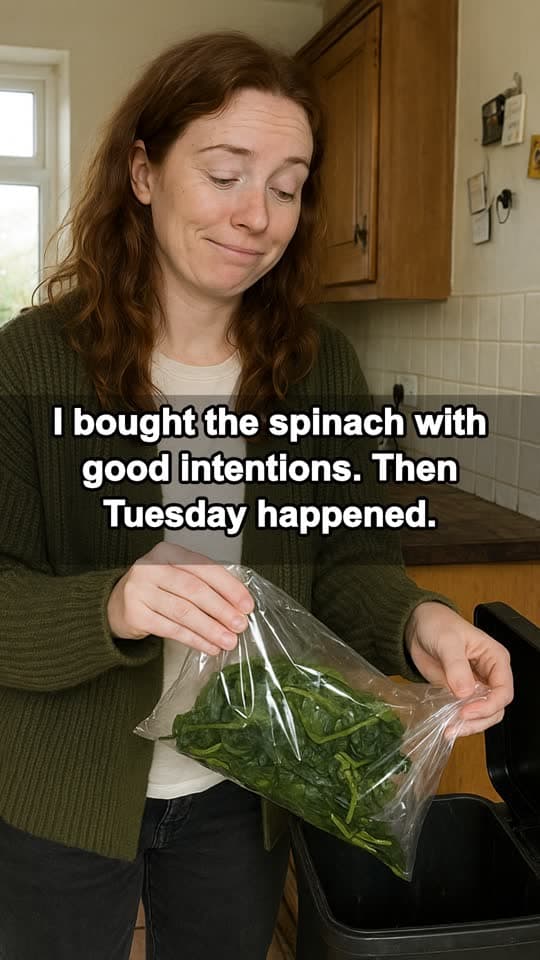

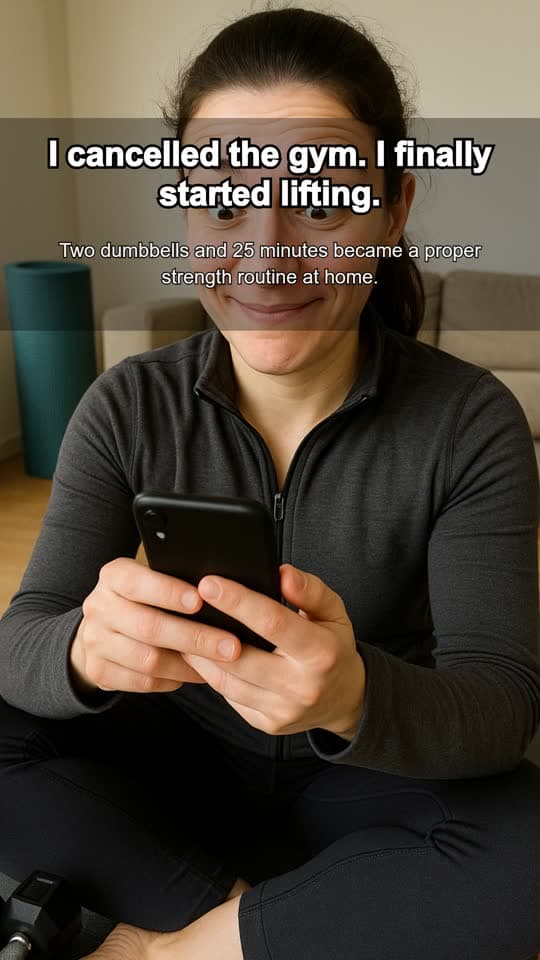
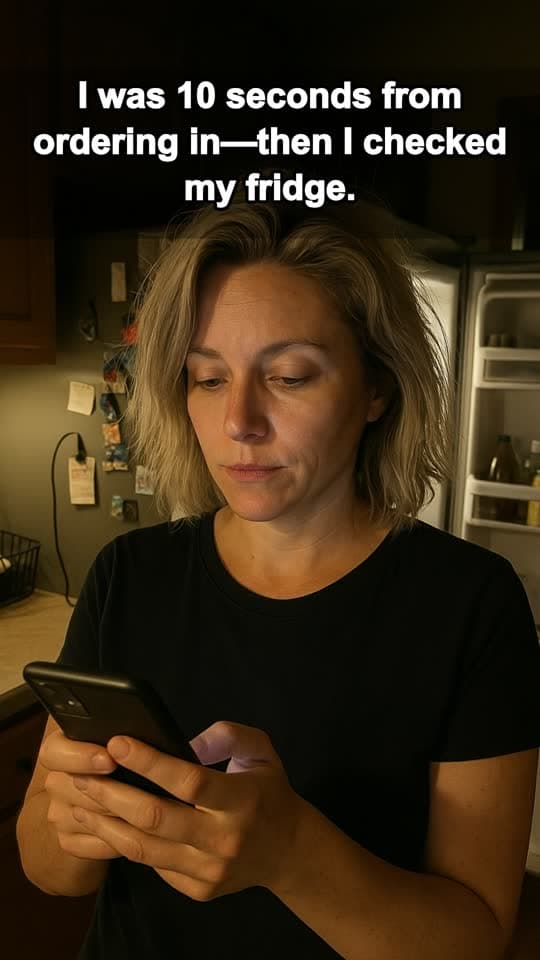

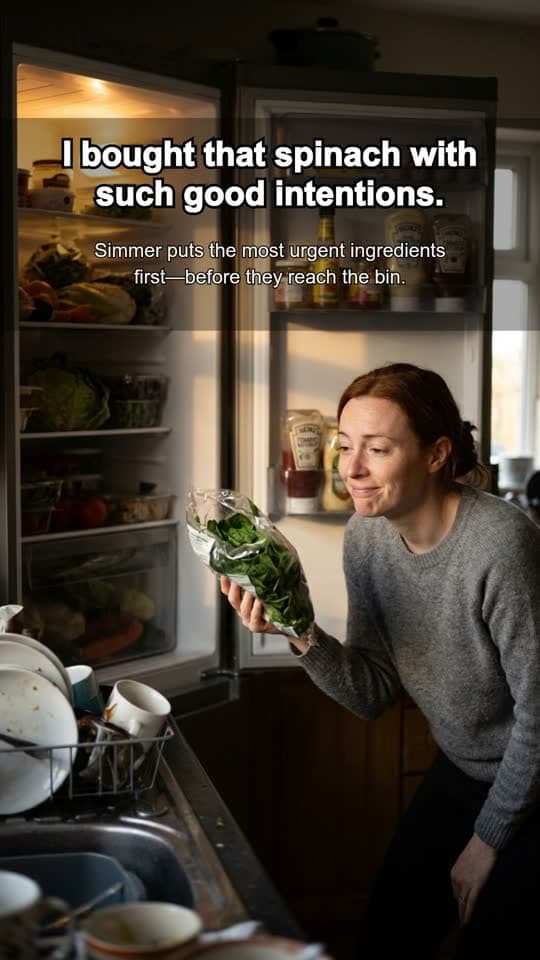
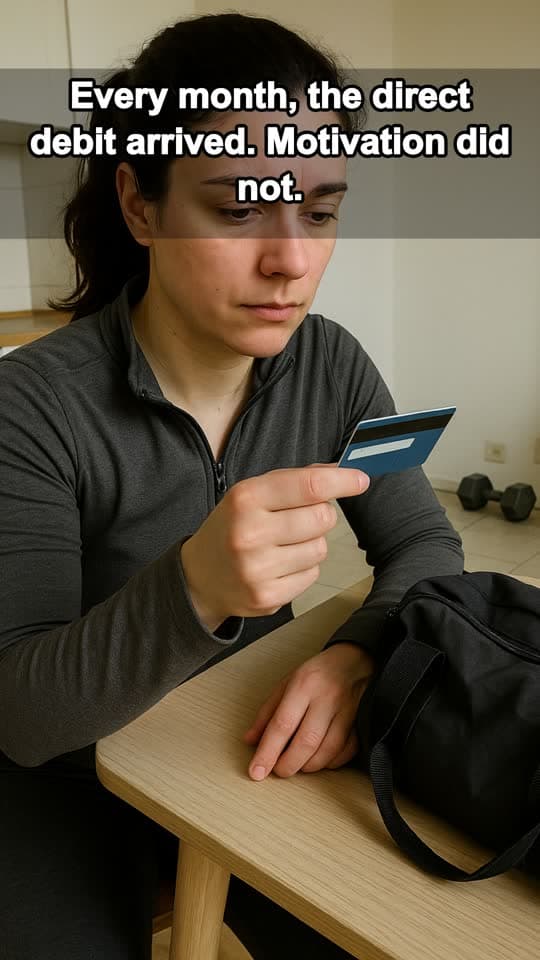

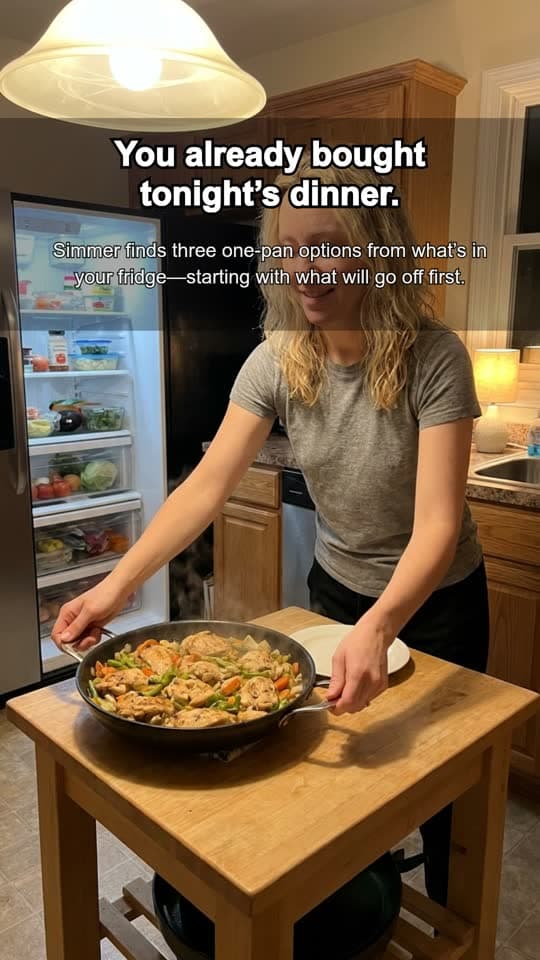
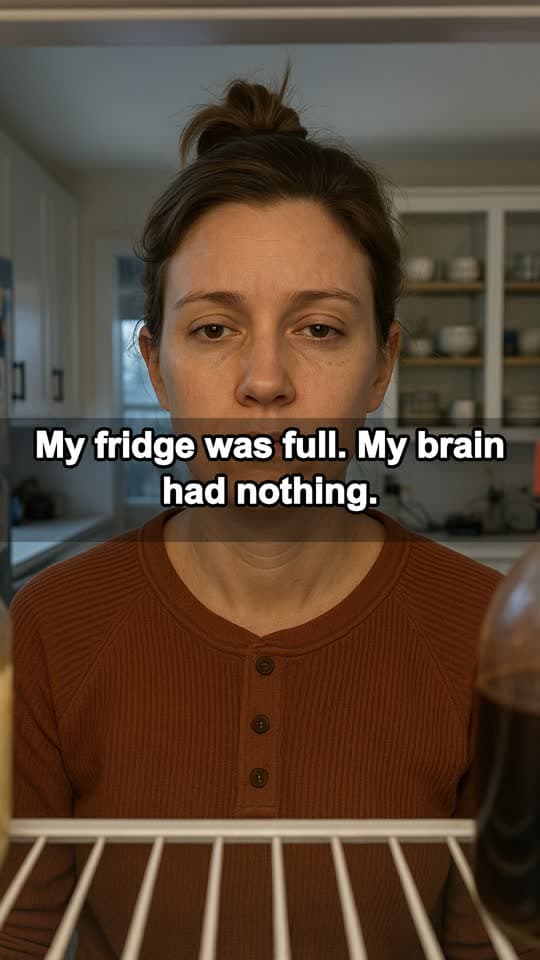

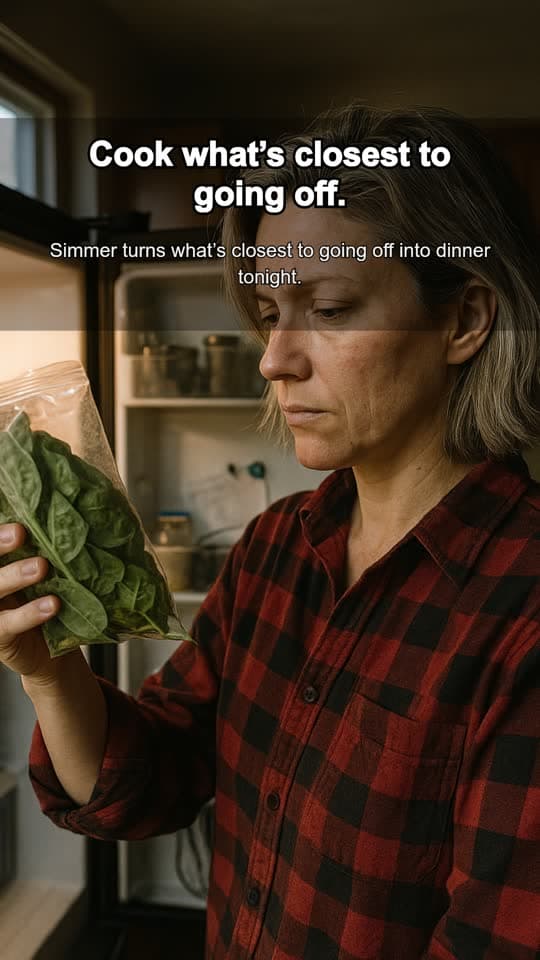
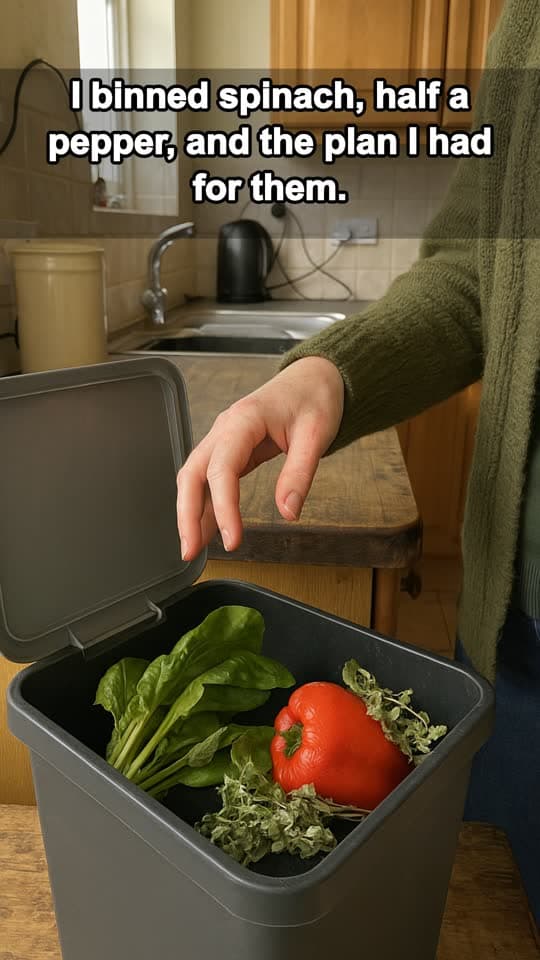

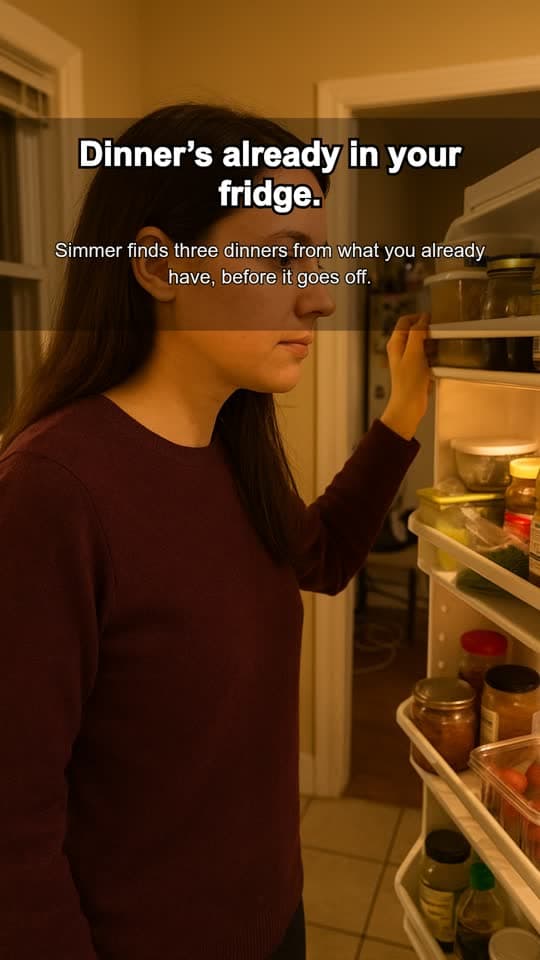
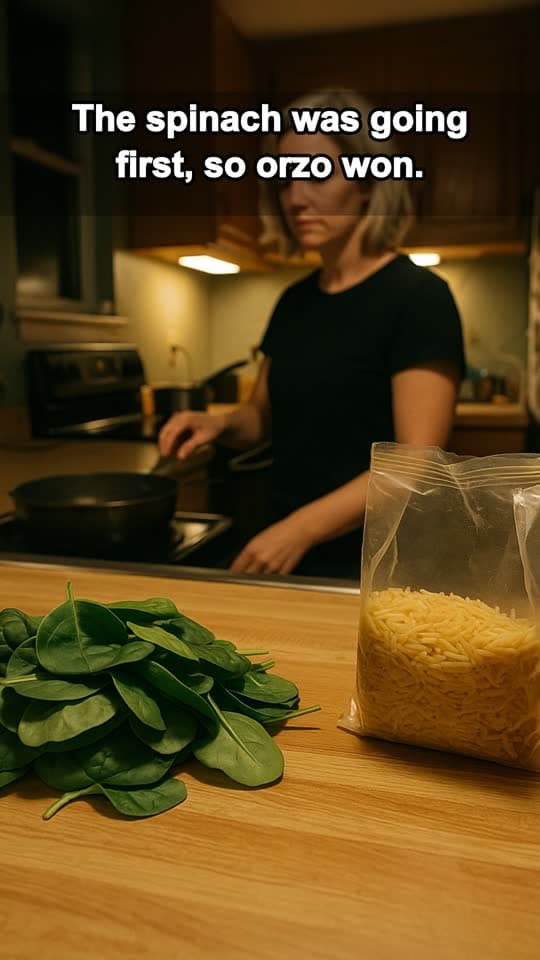
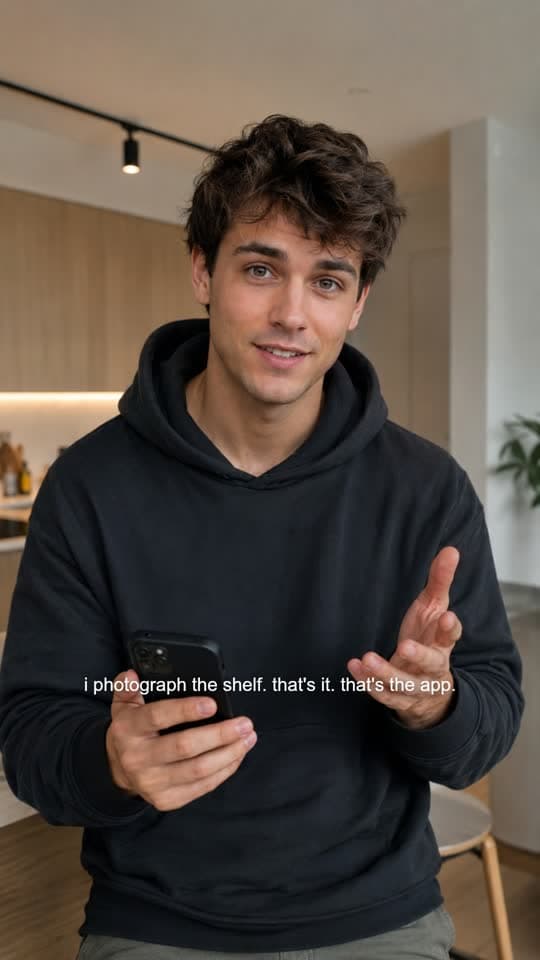
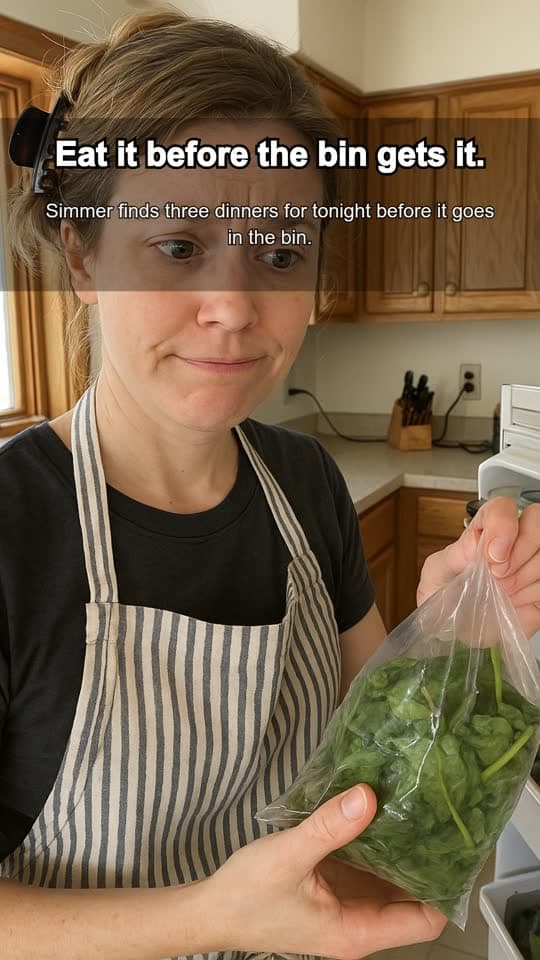
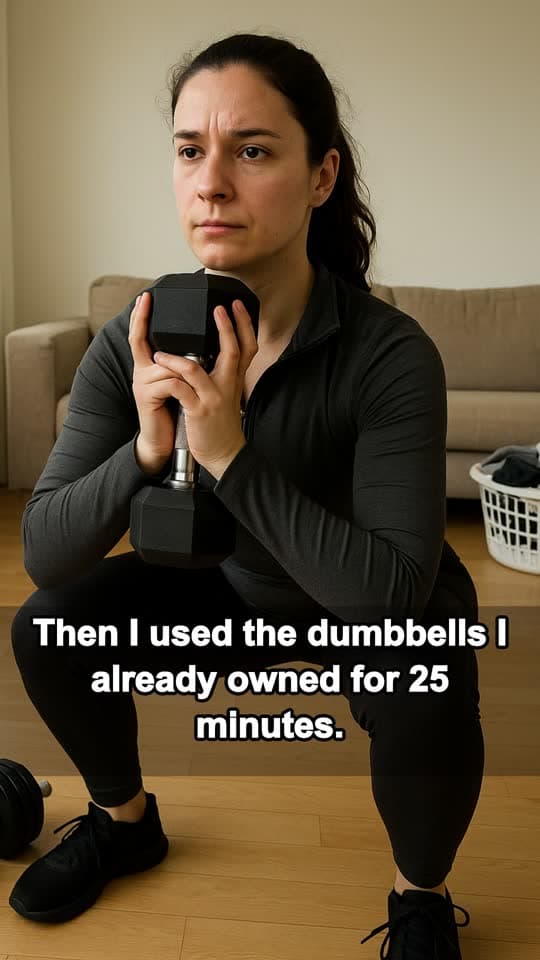
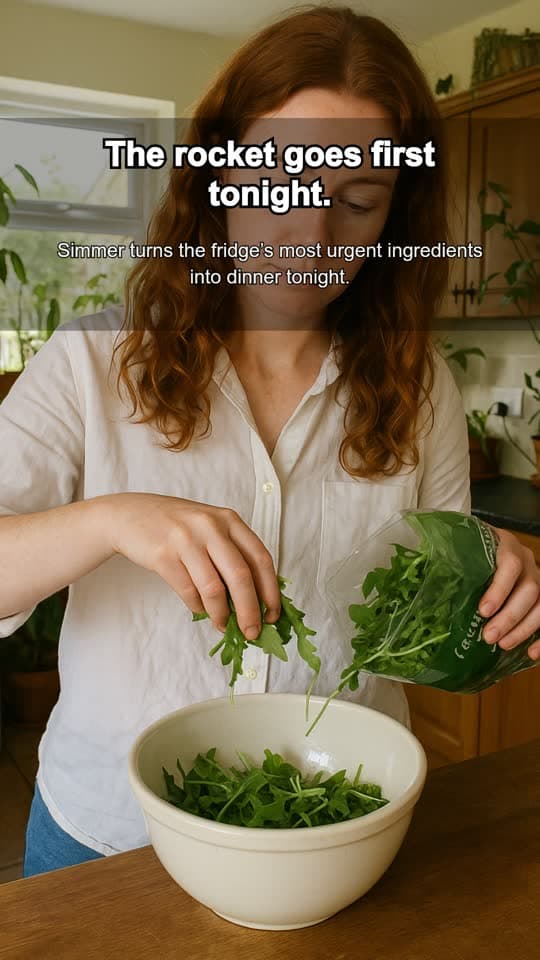
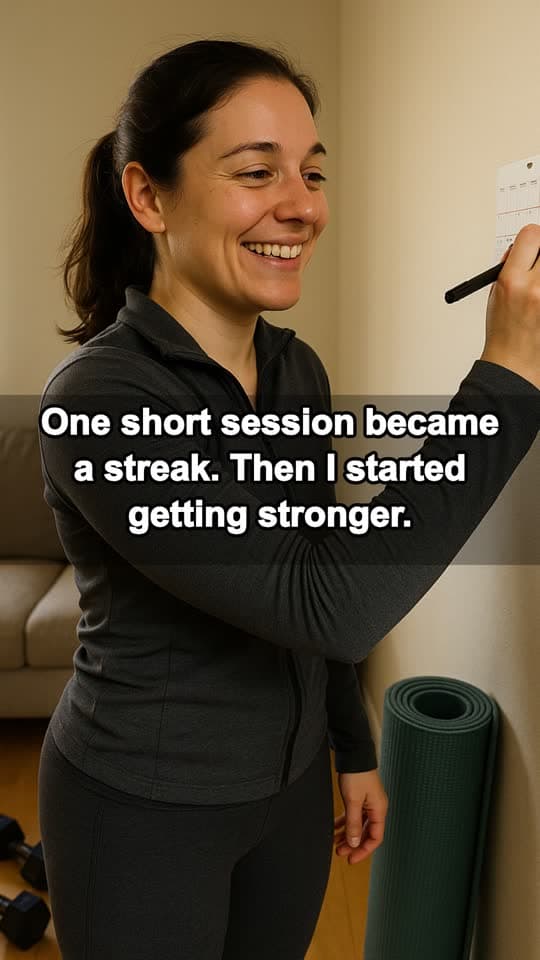
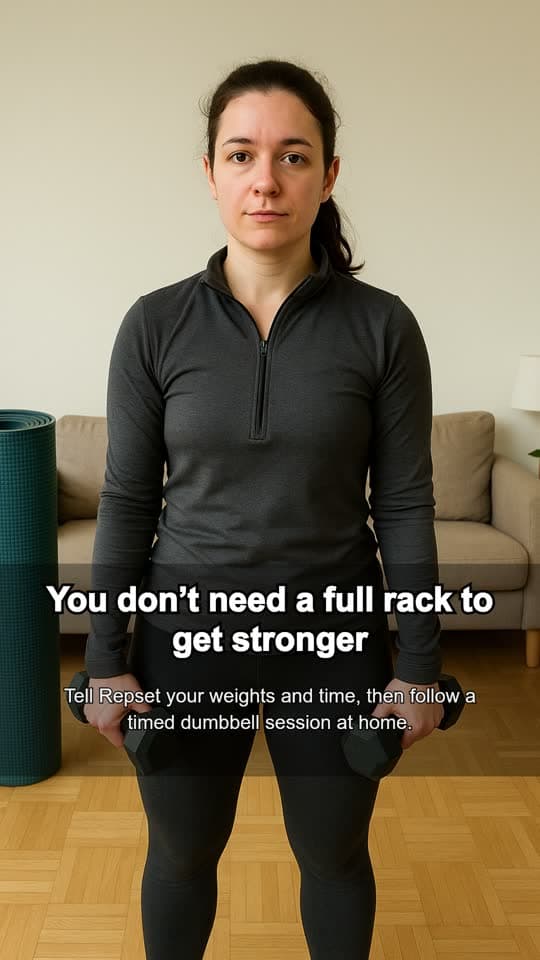
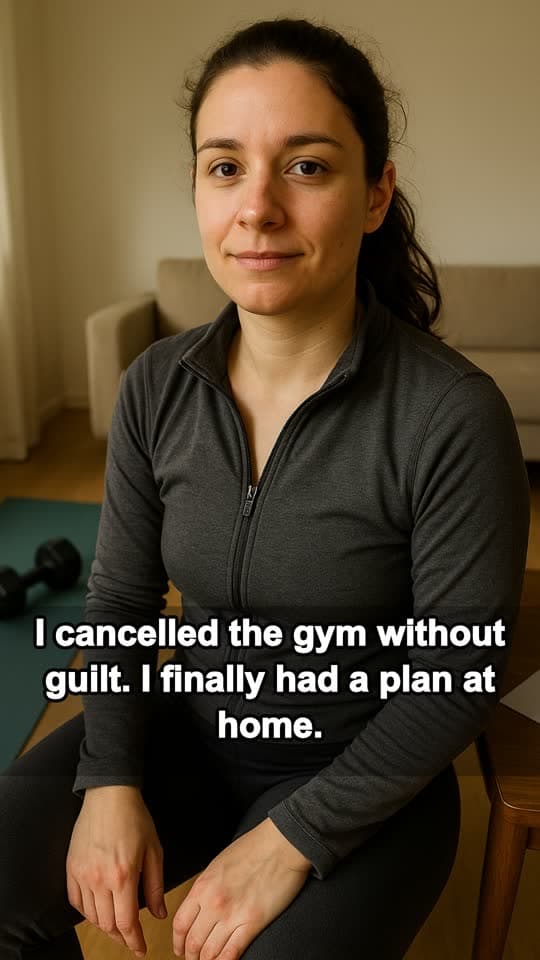
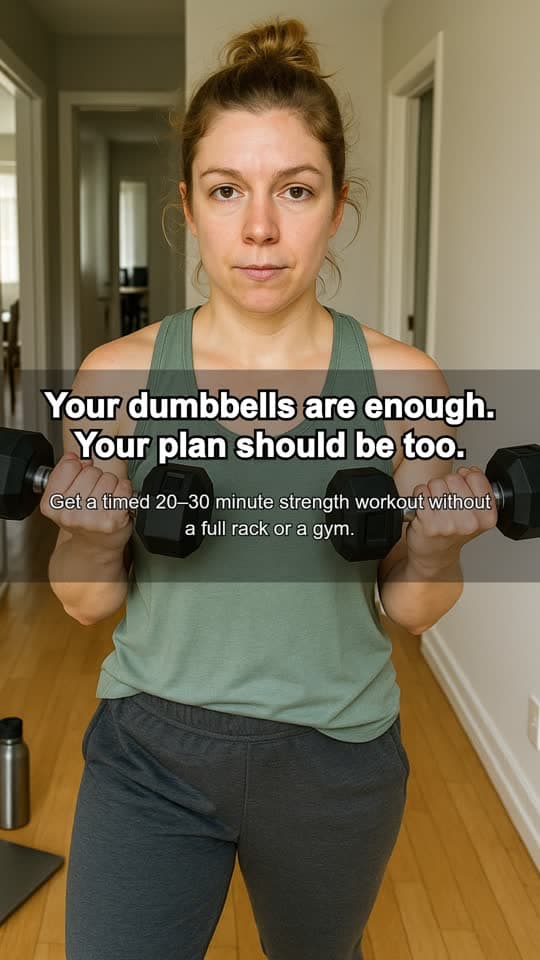
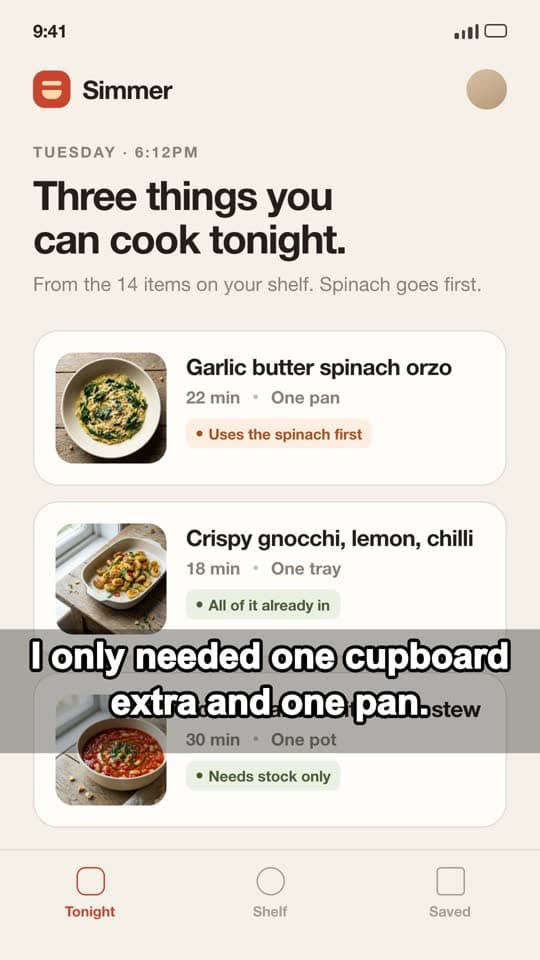
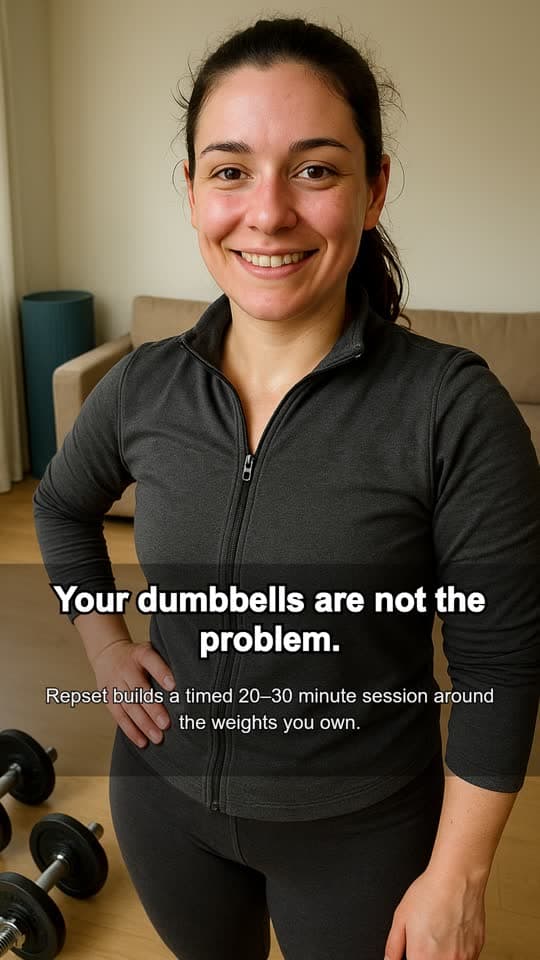
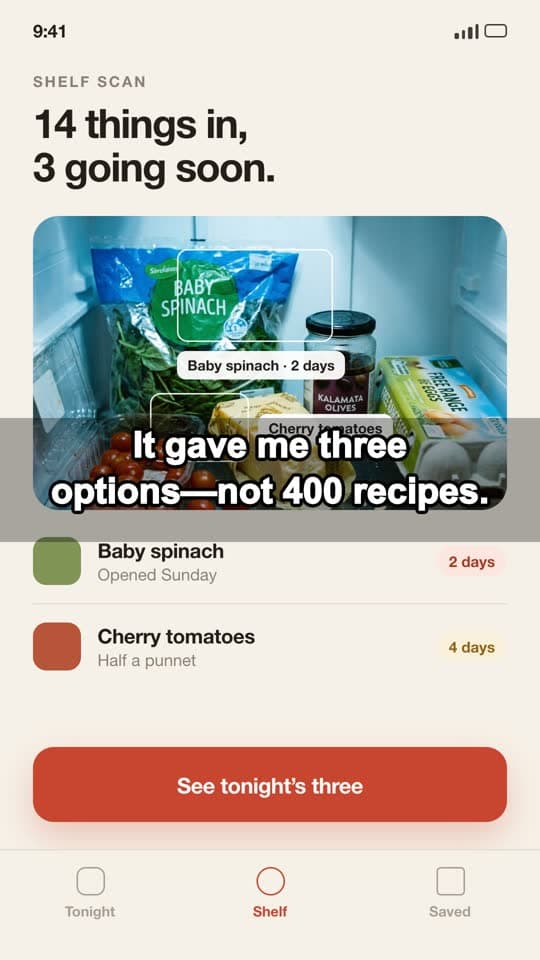
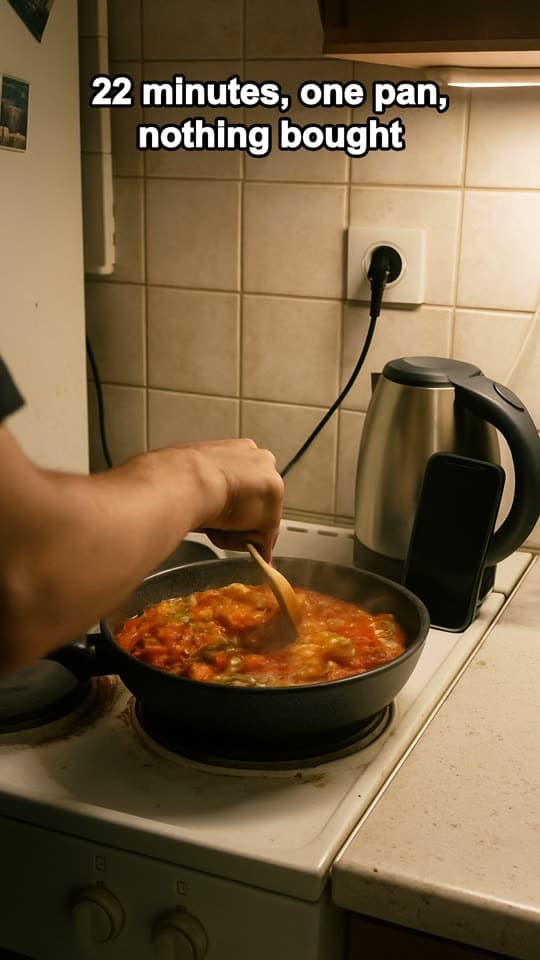
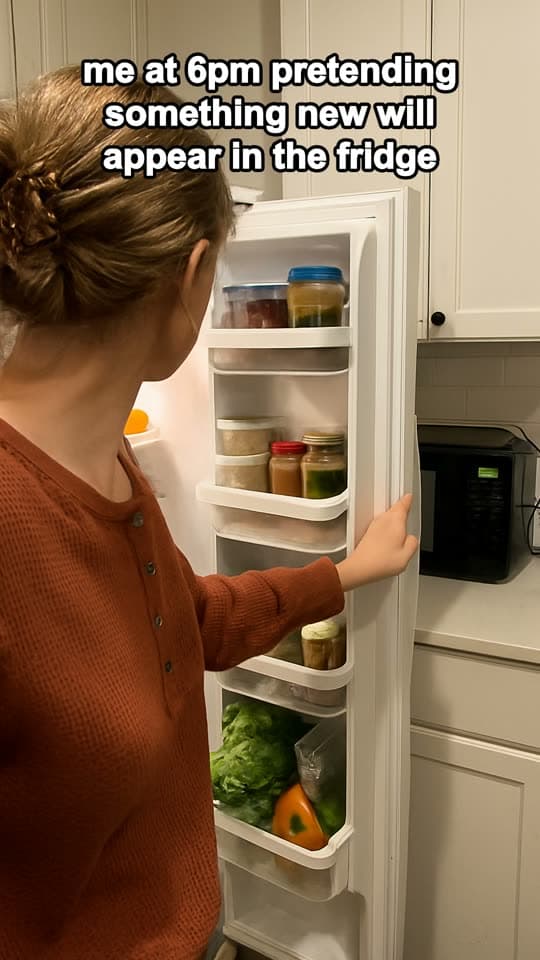
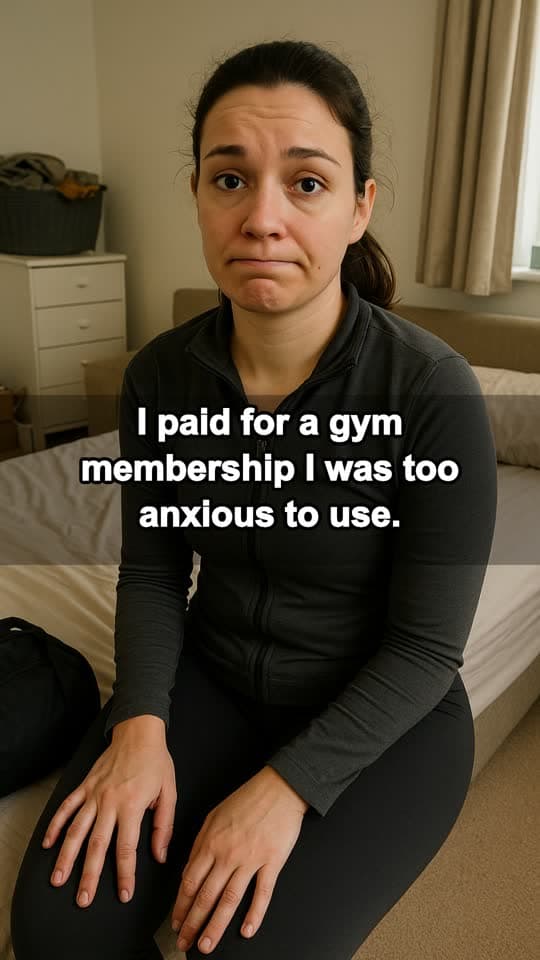
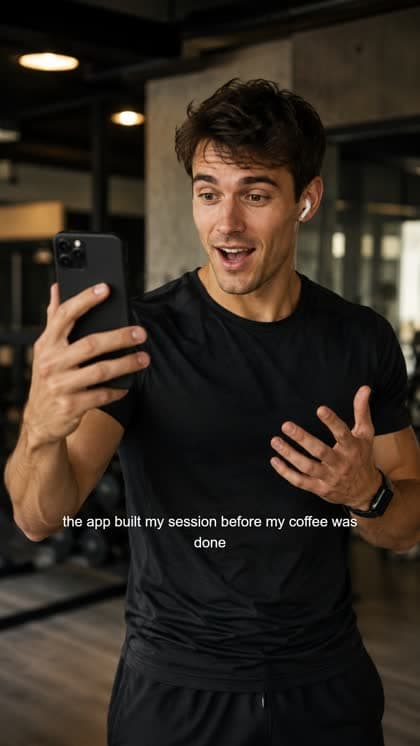
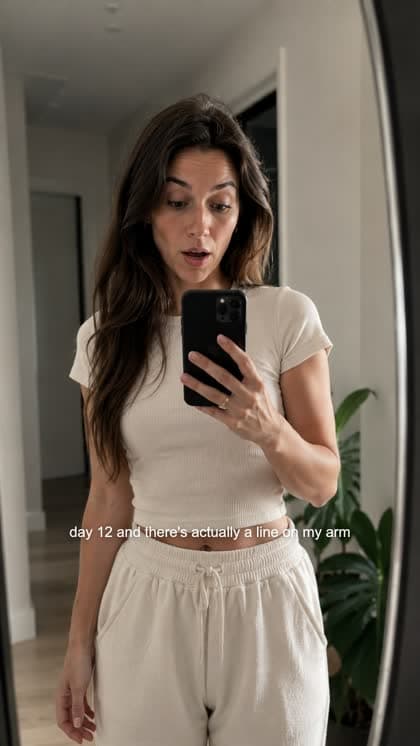
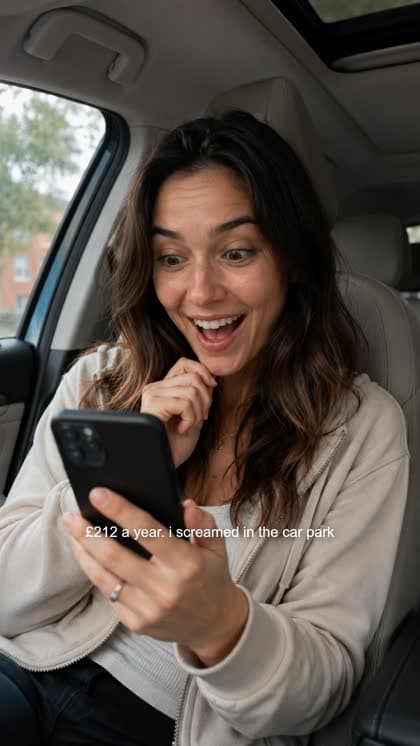
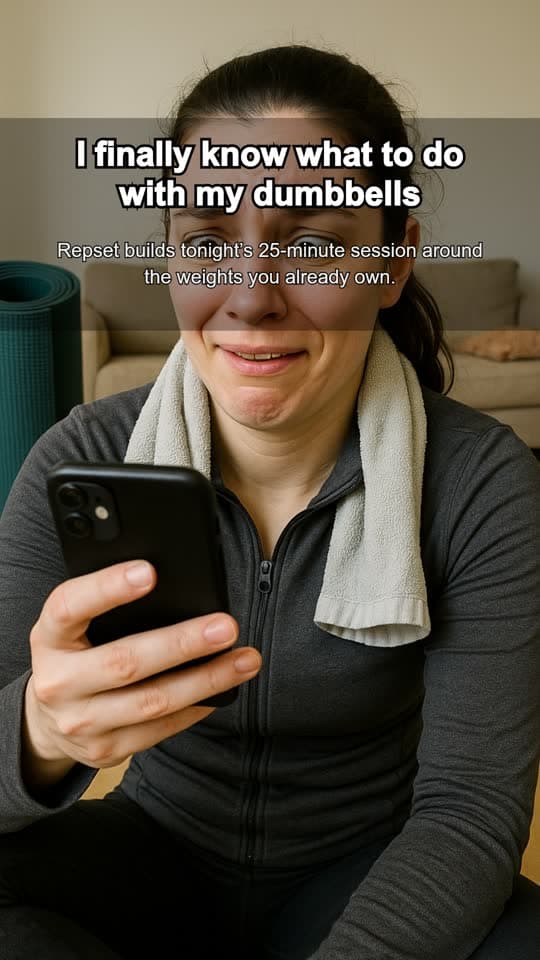
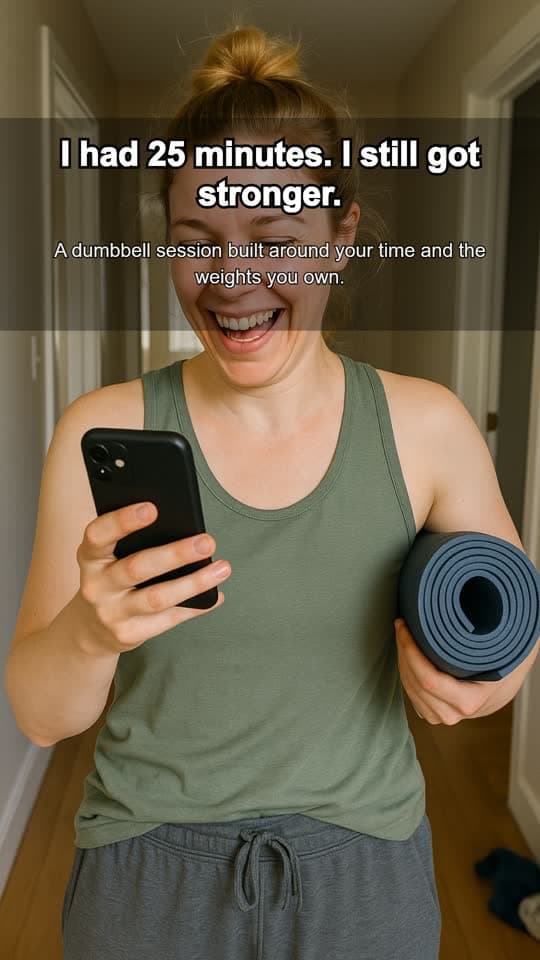
Demo apps shown. All creative here was generated through VectorStudio — AI creators, each demo app's own screens, captions burned in.









Pick a consistent face per app, or rotate a new creator into every batch—there's no cast limit.
Start with a script, a reference you admire, or a single angle — every path ends in creative that is ready to post.
Start with the hook, shape the message, place real app footage where proof matters, and review the direction before generating the finished video.
Drop in an ad you like. VectorStudio analyzes the hook, structure, pacing, and creative pattern, then rebuilds the idea around your product, audience, creator, and app demo.
Generate the hook, build the narrative across multiple slides, place screenshots where the product needs to prove the point, and export the complete set.
 01
01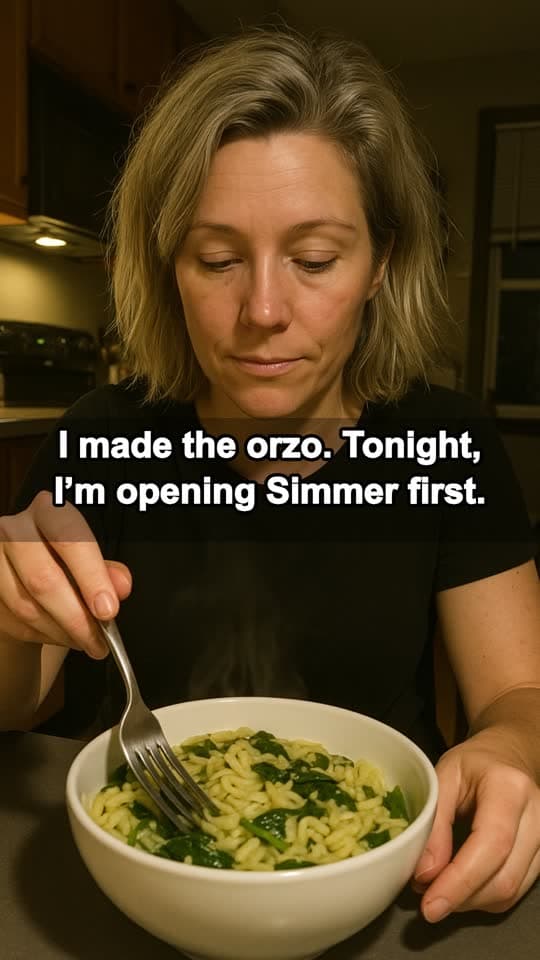 02
02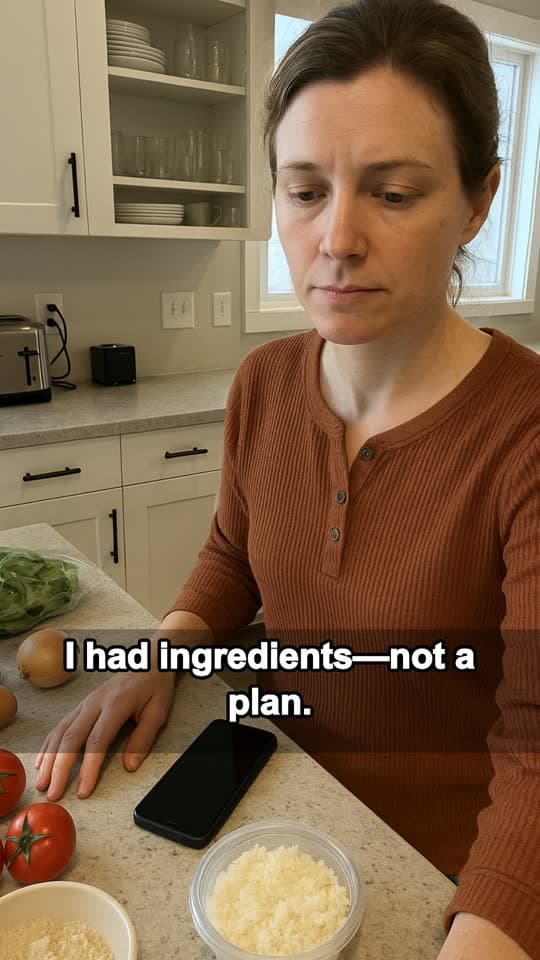 03
03Generic AI tools start with another blank prompt. VectorStudio starts with your app.
Add your audience, positioning, screenshots, screen recordings, product claims, and creative references once. That context stays connected to every creative you make afterward — so instead of explaining your product again and again, you can spend your time testing new hooks, angles, formats, and ideas.
Your app's audience, positioning, screenshots, demos, creators, and creative references stay available across VectorStudio. Change the format without starting the strategy over.
Write the angle, choose a creator, add your real app demo, generate the scenes, and export a finished video ready to test.
Build platform-native visual stories with consistent creative direction and your actual product screens.
Apply multiple hooks and captions to the same visual set, position everything once, and export organized variations ready to post.
Generate compositions specifically for 9:16, 4:5, and 1:1 instead of resizing one generic image.
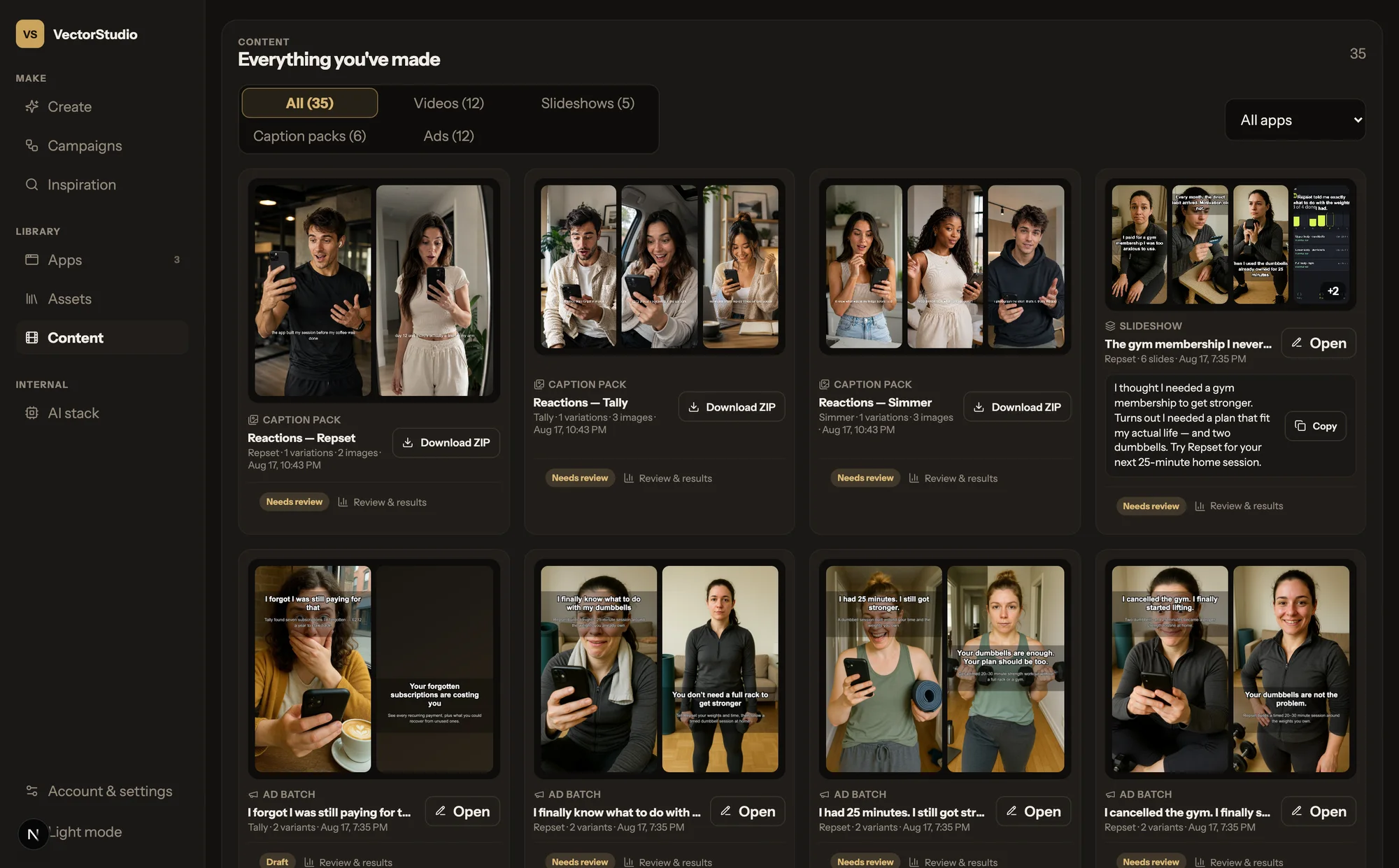
VectorStudio doesn't dump another folder of files onto your desktop. Every finished creative stays connected to the app it belongs to, the caption that shipped with it, its approval status, and the results you record after publishing.
Add the product context one time, then every new idea starts from a running start instead of a blank brief.
Give VectorStudio the audience, positioning, screenshots, screen recordings, and product context it needs.
Start from your own idea, a creative reference, or one of VectorStudio's production workflows.
Create hooks, scripts, scenes, slides, statics, and finished ads. Review the direction before spending credits on expensive generations.
Download ready-to-post creative, record what happened after launch, and use those learnings when you build the next batch.
AI generation gets expensive when every attempt starts from scratch. VectorStudio helps you catch missing inputs early, keep your real product in the creative, and review important decisions before expensive image or video generation begins.
Use screenshots and demos from your app instead of invented AI interfaces.
Approve hooks, messaging, inputs, and creative structure before committing to heavier generation.
Store performance notes and results beside the finished creative so winning ideas don't disappear into a downloads folder.
Every plan includes access to every creative format and a monthly Studio Credit budget. AI image, video, voice, and analysis use credits. Editing, caption packs, local rendering, reviews, and exports do not.
For indie founders creating and testing ads for one app.
For active marketers testing more angles across multiple apps.
For small teams running creative across an app portfolio.
TYPICAL USAGE
Join the VectorStudio founding beta for early access, founding pricing, and a direct feedback loop while we build the creative system around how real app marketers work.
Studio Credits meter the expensive AI work — everything deterministic stays free to use.
AI image generation, video generation, voice, and analysis. Editing, local rendering, caption packs, creative review, and exports don't consume AI credits.
Video generation carries a real per-generation cost. During the founding beta, VectorStudio starts with paid plans so every customer receives a meaningful production budget.
Not during the founding beta. You can move to a larger monthly plan if you need more generation capacity. One-time credit packs may be introduced after real-world usage patterns are established.
Not currently. Studio Credits reset at the beginning of each monthly billing cycle.
Give VectorStudio your app once. Then keep testing new hooks, creators, angles, formats, and ideas from the same product context.
Join the founding beta